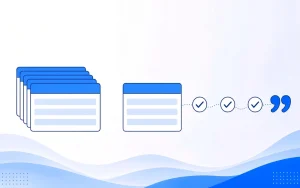
A homepage has to introduce the whole business to every kind of visitor. A landing page has one job: turn the person who just clicked a specific ad into a call or a form lead. For paid traffic aimed at one service, send people to a landing page that matches the ad, makes calling easy and asks only what your team needs.
Not sure where your ad clicks should land?
What a homepage is for, and what it is not
A homepage is the page that represents the whole company: who you are, what you do and where to look next. It has to serve people searching your business name, referrals checking you out and people still comparing options.

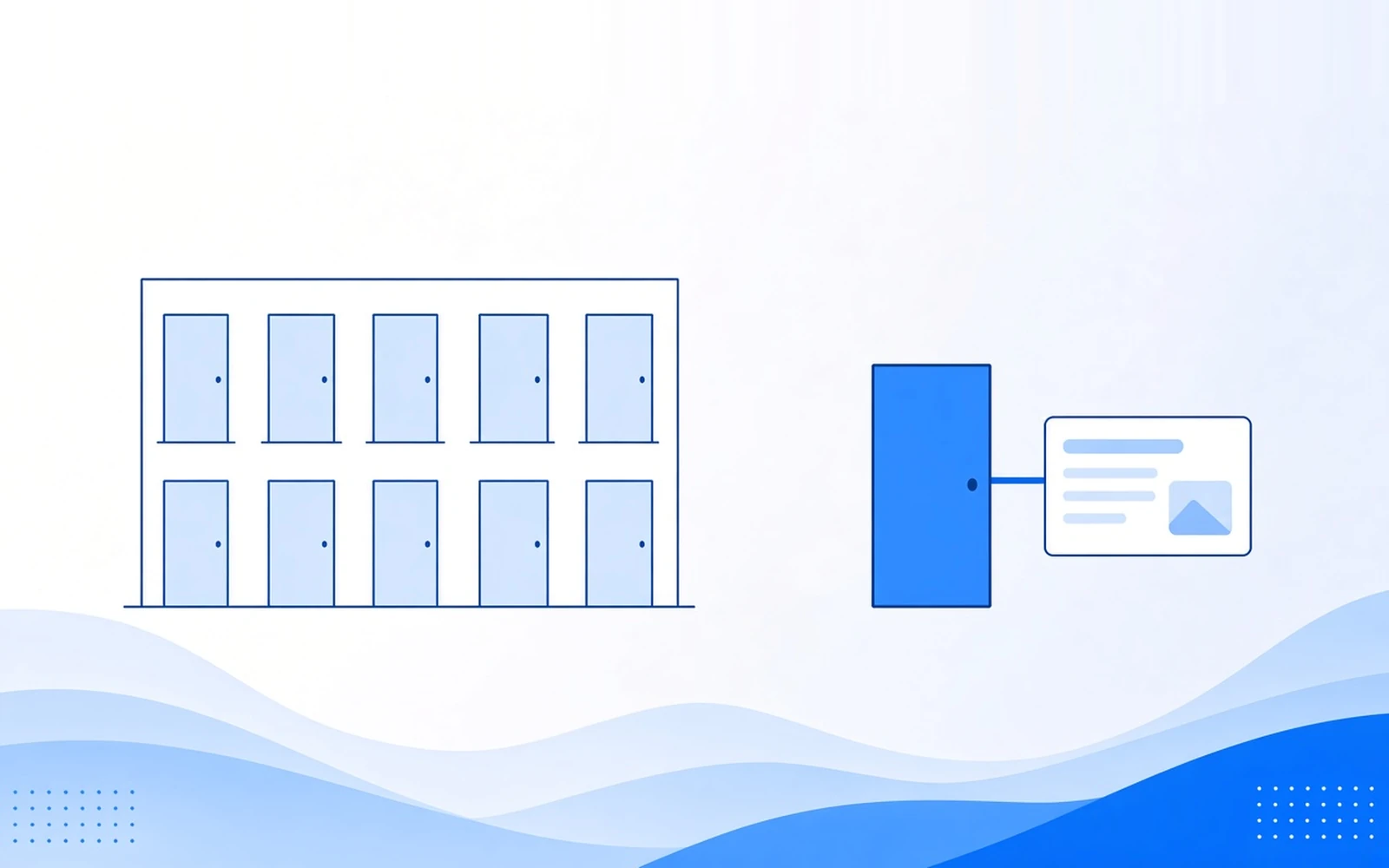
That’s why it fights paid traffic. A good homepage carries several services, a full menu and several next steps. The person who clicked your ad wanted one thing. They land in a hallway of doors.
Imagine a visitor who clicked an ad for a water heater replacement. The homepage also pushes financing, a blog and three other services, and the water heater offer sits below the fold, if it’s there at all. Some visitors will dig for it. Others hit the back button and click the next ad, and you’ve paid for the click either way.
What a landing page is for
A landing page is built for one ad, one offer and one action. The headline matches the ad. Trust details you can genuinely show, such as licensing or reviews, sit close to the call button. Navigation is minimal, so the click doesn’t leak into pages that have nothing to do with the offer.
For a service business, “one action” usually means two paths to the same result: a clear way to call, and a short form for people who can’t talk yet.

That’s the model behind our landing pages and conversion work: one ad, one offer, a short form, an easy way to call and a couple of qualifying questions. Then we test the page, the form and the offer, one change at a time.
Landing page vs homepage, side by side
The short version: a homepage is a front door, and a landing page is a single errand.
| Comparison point | Homepage | Landing page |
|---|---|---|
| Main job | Introduce the whole business | Turn one ad’s visitors into calls and form leads |
| Who typically arrives | Branded searches, referrals, browsers | People who clicked a specific ad |
| Number of offers | Many | One |
| Navigation | Full menu | Minimal or none |
| Calls to action | Several, competing for attention | One action: call, or a short form |
| What to measure | Overall inquiries and brand visits | Calls, form leads and booked jobs from that campaign |
When a landing page is the right destination
Use a landing page whenever the ad makes a specific promise. In practice that covers:
- A paid search or paid social ad for one service or offer. Someone who clicked “same-week furnace repair” should land on furnace repair, not on your company story.
- A new service or a separate job type the homepage buries. If commercial work is one line in a long menu, its ads need their own page.
- A campaign you want to track on its own. Its own page, tracked number and form source show exactly what it produced.
That last point matters more than it looks. When every ad points at the homepage, paid calls and forms mix with everything else, and nobody can say which campaign earned which job.
Message match, in plain language
Message match means the page’s headline repeats the promise in the ad. If the ad says “emergency drain cleaning, same day,” the first thing on the page should say emergency drain cleaning, same day. The visitor knows instantly they’re in the right place.
It sounds obvious. It’s also the first thing to break when one generic page serves ten different ads. This applies whether the clicks come from paid search or paid social.

Call-first, then a short form
For many service businesses, the phone matters most, because callers tend to be closer to a decision. So the page should make calling the easy option: a tap-to-call button that’s visible on a phone without scrolling, and a number that’s tracked to the campaign. The form is for people who can’t talk right now.
Keep the form short. Ask only what the team needs before they pick up, such as job type, timing and service area. A lead form isn’t a job application.
This is the thinking behind call and lead generation campaigns, where ads and pages make calling the easy option and forms catch everyone else. It matters most when you run your own call-focused campaigns rather than buying calls, a choice we compare in pay per call vs PPC.
When the homepage is still the right destination
The rule isn’t “never use the homepage.” Sometimes it’s the right place to send people:
- Someone searching your business name. They already know you and expect your homepage.
- A referral checking who you are. They want the whole picture.
- A business with one simple offer. If you do one thing and your homepage already shows a clear way to call or inquire above the fold, a separate page may add little.
Just don’t send a specific paid offer to a page built for everyone.
How to judge the page: booked jobs, not form fills
A page that collects more, weaker inquiries can look like a win if you only count leads. Compare destinations on cost per booked job, and keep calls and forms on separate lines. We cover the math in more detail in cost per lead vs cost per booked job.
Say a hypothetical home-service company runs one ad campaign for a month and splits the clicks evenly, spending $2,400 on each destination. The homepage brings in 80 form fills and 6 booked jobs. A landing page that matches the ad brings in 50 form fills and 12 booked jobs.
Illustrative example, not client data
| Metric | Homepage | Matching landing page |
|---|---|---|
| Ad spend | $2,400 | $2,400 |
| Form fills | 80 | 50 |
| Cost per form fill | $30 | $48 |
| Booked jobs | 6 | 12 |
| Cost per booked job | $400 | $200 |
The homepage looks busier. The landing page books twice the jobs at half the cost per booked job. Suppose the office celebrates a jump in form fills after sending ads to the homepage, while the technicians say the jobs aren’t there. This comparison is how you find out who’s right.

To compare destinations properly:
- Give the campaign its own page, tracked number and tagged form source.
- Match the headline to the ad.
- Make the call action obvious on a phone. The call button should be visible without scrolling.
- Test one change at a time. Change the page, the form or the offer, not all three. Rebuild everything at once and you won’t know what worked.
- Report booked jobs by destination. Our tracking and analytics work starts with tracked numbers and form tracking, so each lead traces back to its source.
For how pages fit with the rest of a campaign, see our services.
FAQ
What is the difference between a landing page and a homepage?
A homepage introduces the whole business to every kind of visitor, with several services, a full menu and many next steps. A landing page is built for one ad, one offer and one action, usually a call or a short form. The homepage helps people explore. The landing page helps someone who clicked a specific ad act quickly.
Should I send ad traffic to a landing page or the homepage?
Send it to a landing page when the ad promotes one service or offer. The page should repeat the ad’s promise, make calling easy and keep the form short. The homepage makes sense mainly for branded searches, or for a business with one simple offer and a clear way to call above the fold. Either way, judge the result on booked jobs.
When is it OK to send ads to the homepage?
It’s reasonable for people searching your business name, for visitors who want the whole picture, or when you sell one simple service and your homepage already shows a clear way to call above the fold. What doesn’t work is sending a specific paid offer to a page built for everyone.
What makes a good lead generation landing page?
A headline that matches the ad, one offer and one action. For service businesses that means a clear way to call, visible on a phone without scrolling, plus a short form for people who can’t talk yet. Ask only what the team needs, such as job type, timing and service area. Keep navigation minimal.
What is message match?
Message match means the landing page’s headline repeats the promise made in the ad. If the ad offers same-day drain cleaning, the page should open with same-day drain cleaning. The visitor sees right away that they’re in the right place and doesn’t have to search for the reason they clicked.
How do you know if a landing page is working?
Look at booked jobs and cost per booked job from that page, not only form fills or clicks. Plenty of inquiries never turn into work. Give the page its own tracked number and form source, keep calls and forms on separate lines, and compare it with other destinations on what each one costs per booked job.
Want a page that matches your ads?
We’ll look at where your clicks go today and what each destination costs per booked job.