
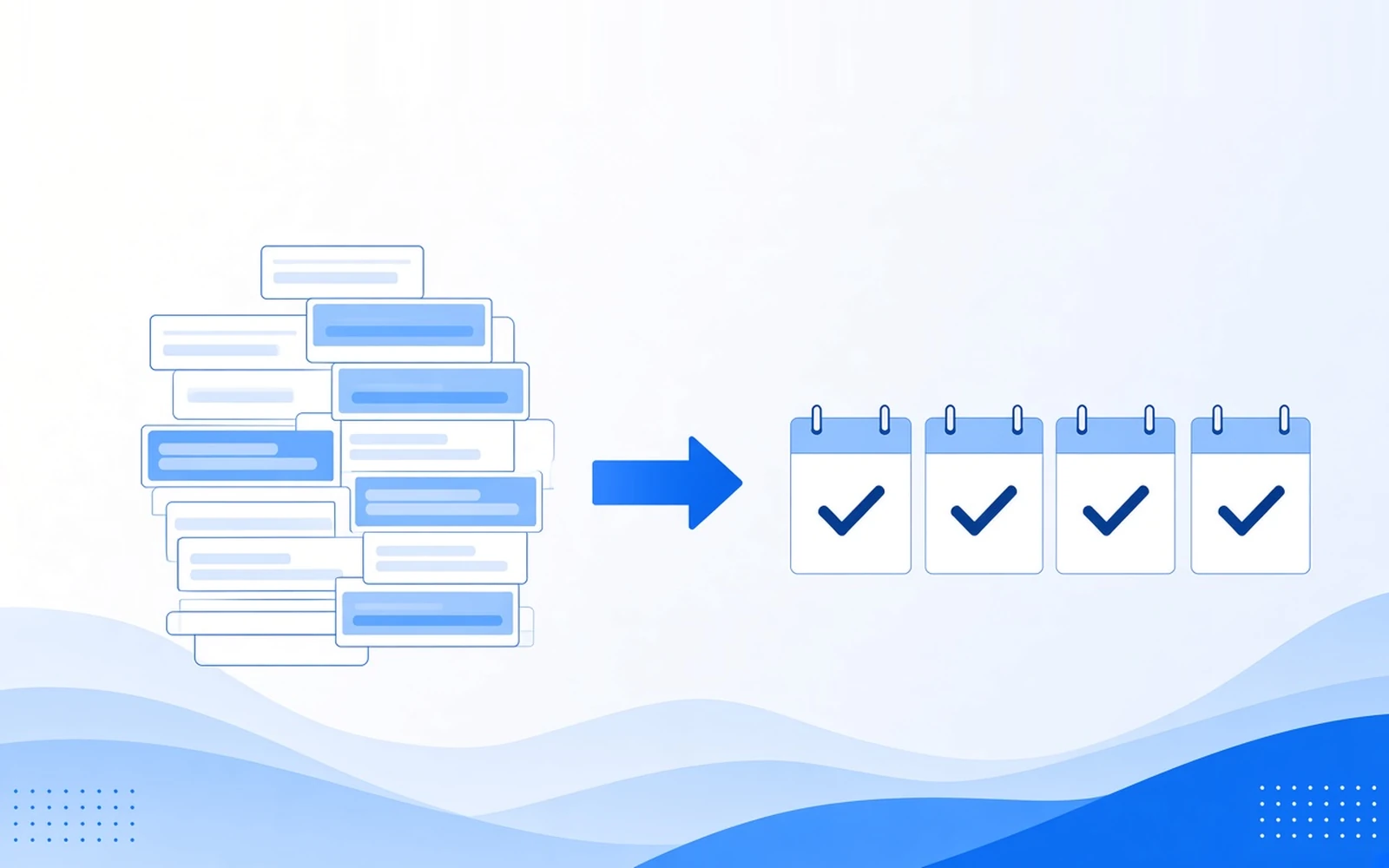
Cost per lead tells you what an inquiry costs. Cost per booked job tells you what a paying customer costs, and only that second number tells you whether your ad budget is working. The two often move in opposite directions, because the cheapest leads are usually the least likely to book.
Want a second opinion on your lead reports?
What cost per lead measures (and what it leaves out)
Cost per lead is your ad spend divided by the number of leads it produced. Simple, if everyone agrees what a lead is. Some reports count every form fill, call and chat. Others count only calls over a minute. Pick one definition and keep it, or month-to-month comparisons mean nothing.

What it leaves out is everything after the inquiry arrives. A lead count often includes:
- wrong numbers and hang-ups
- spam and junk form submissions
- job seekers and vendors calling the sales line
- price shoppers with no plan to book
- inquiries from outside your service area, or for work you don’t do
- duplicates, like one person who calls and then fills out a form
Each of those lowers your cost per lead and pays no technician. A cheap lead that never books has an effectively infinite cost per booked job.
What cost per booked job measures
Cost per booked job is your ad spend divided by the jobs those ads actually booked. It answers the owner’s real question: what did it cost to get a customer on the schedule?
“Booked job” means whatever your business counts as a sale. For an HVAC company, that’s a scheduled service call. For a mover, a booked move. For an insurance agency, a bound policy. Choose your definition and use it in every report.
Cost per booked job, two ways
Cost per booked job = ad spend ÷ booked jobs
Cost per booked job = cost per lead ÷ lead-to-booking rate
Bring the second version to budget meetings: it shows cost per lead is only half the equation. If cost per lead rises a little while booking rate rises a lot, each customer got cheaper.
Why the two numbers can move in opposite directions
Say a hypothetical home-service company spends the same $2,000 on each of two campaigns in a month. Campaign A gets 100 leads and 5 bookings. Campaign B gets 50 leads and 10 bookings.
Illustrative example, not client data
| Metric | Campaign A | Campaign B |
|---|---|---|
| Ad spend | $2,000 | $2,000 |
| Leads | 100 | 50 |
| Cost per lead | $20 | $40 |
| Booked jobs | 5 | 10 |
| Lead-to-booking rate | 5% | 20% |
| Cost per booked job | $400 | $200 |
On cost per lead, Campaign A looks twice as efficient. On cost per booked job, Campaign B wins customers at half the price. Follow the first report and the budget moves toward fewer jobs.

Ad platforms optimize toward whatever you tell them is a conversion. Call any form fill a conversion, and they’ll find the people most likely to fill out forms. Those are often the least committed inquiries, like casual browsers and people collecting five quotes. The platform is doing its job. It was given the wrong job.
What a lead generation report should show besides cost per lead
A useful monthly report follows the money past the inquiry to the booked job. At minimum, it shows:
- spend by campaign, not one blended total
- leads by source, with calls and forms on separate lines
- qualified leads, after someone has reviewed them
- quotes or estimates given
- booked jobs by campaign
- cost per booked job by campaign, right next to cost per lead
- notes on lead quality from the people answering the phone
Most reports skip that last line, yet it often explains the rest. If the sales team says leads got worse while cost per lead dropped, both can be true. Only outcome tracking shows which campaign changed.
This is the core of our tracking and analytics work: connecting campaigns with call tracking, form data, lead status and sales outcomes by source, so you see which campaigns produce real opportunities, not just lead volume.
Calls and forms, counted separately
A call and a form fill are different leads. Callers usually want to talk now and tend to be closer to a decision. Form leads include more people comparing options, and they depend on a fast call back. The two close at different rates, so one blended count hides the story: if calls drop while forms rise, total leads look flat as bookings fall.
That’s why call and lead generation results belong on separate lines for calls and forms, each with its own booking rate.
Qualified vs unqualified
Pick who decides what counts as qualified, and keep the labels fixed. Once a week, review the calls and forms and tag each with one status, for example booked, qualified, not a fit or spam. If you review call recordings, check the consent rules where you operate.
Qualification can start before the lead arrives. A couple of qualifying questions on the form, like service needed and location, screen out poor fits before anyone picks up the phone. That’s part of how we build landing pages and run conversion testing.
How to start tracking cost per booked job
You don’t need a new system. You need every lead tagged with its source and every outcome recorded where your team already works.
- Give each campaign its own tracked phone number and tagged form source. Each form should record its page and campaign.
- Record the lead source on every inquiry. The source should land in your CRM or job board with the lead, so nobody has to guess.
- Mark outcomes where the team already works. Quoted, booked or lost, as a lead status. If it takes more than a few seconds, it won’t happen.
- Match bookings back to source once a month. Divide each campaign’s spend by its booked jobs.
- Report cost per booked job next to cost per lead. The gap between them is the story.
- Send booked or qualified outcomes back to your ad platforms as conversions. Then bidding learns from real customers, not every form fill.
When the sales cycle is long
Some jobs book weeks after the first call. Waiting for the booking before judging a campaign means flying blind. Use an intermediate step as a leading indicator instead, such as a quote given or a qualified appointment set. Then reconcile bookings to their original source as they close, so the right campaign gets credit.

When cost per lead is still useful
Cost per lead is a fine pulse and a poor scoreboard. It still has three jobs:
- Early in a new campaign. Before enough jobs book, one booking swings cost per booked job wildly, so watch lead cost and quality notes.
- Spotting broken tracking or a broken form. If cost per lead jumps overnight with steady spend, something probably stopped recording.
- A quick weekly check. Bookings lag and leads don’t, so a weekly look catches problems early.
What it shouldn’t do is set the budget. If the report ends at form fills, nobody knows what’s working. Budget decisions belong to cost per booked job, the number tied to revenue. See how tracking fits with the rest of our services.
FAQ
What is the difference between cost per lead and cost per booked job?
Cost per lead is ad spend divided by inquiries. Cost per booked job is ad spend divided by the jobs those inquiries became. The first tells you what it costs to make the phone ring, the second what it costs to put a paying customer on the schedule. Cost per booked job is the better number for budget decisions.
How do you calculate cost per booked job?
Divide your ad spend for a period by the jobs booked from those ads. Or divide cost per lead by your lead-to-booking rate. As an illustrative example, a hypothetical campaign that spends $2,000 and books 10 jobs has a cost per booked job of $200.
Is cost per lead the same as cost per acquisition?
Not usually. Cost per lead counts inquiries. Cost per acquisition counts whatever the business defines as an acquisition, and when that means a paying customer, it’s essentially cost per booked job. Some reports use “acquisition” to mean any conversion, including a form fill, so check the definition before comparing numbers.
What is a good cost per booked job?
A good cost per booked job is one your job value and margin can absorb, so it differs for every business. Work backward. Take what an average booked job is worth to you in gross profit, decide how much of that you’ll spend to win it, and that’s your ceiling. Industry averages won’t help, because job values vary widely.
What should a monthly lead generation report include?
It should follow spend all the way to booked work: spend by campaign, leads by source with calls and forms separated, qualified leads, quotes given, booked jobs, and cost per booked job by campaign next to cost per lead, plus sales notes on lead quality. A report that stops at form fills can’t tell you what’s working.
Why are my leads cheap but sales are down?
Usually the campaigns are finding cheaper inquiries that book less often. Ads optimized for the lowest cost per lead chase people likely to fill out a form, not people likely to buy. Check booking rate by campaign, calls and forms separately. Then review search terms and spam. Fixing what you count as a conversion often matters more than pushing lead cost lower.
Want to see what your leads really cost?
We’ll look at your campaigns and tracking and show you cost per booked job by source.